Arvolve Labs, for robot and AI device builders
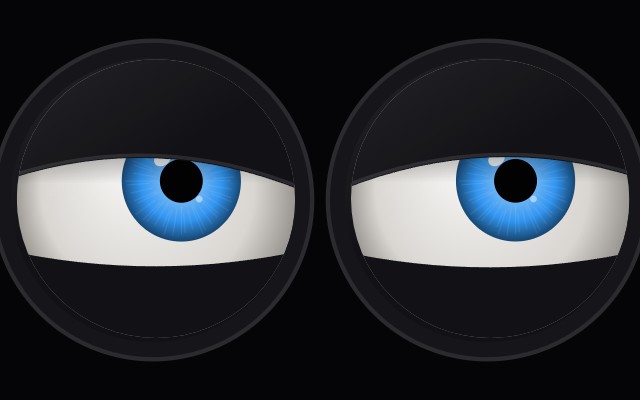
Your robot's language model can already say what it feels. This engine makes its face show it, with the timing film animators use: a wind-up before a reaction, an overshoot that settles, blinks on changes of thought, an eye dart before it speaks.
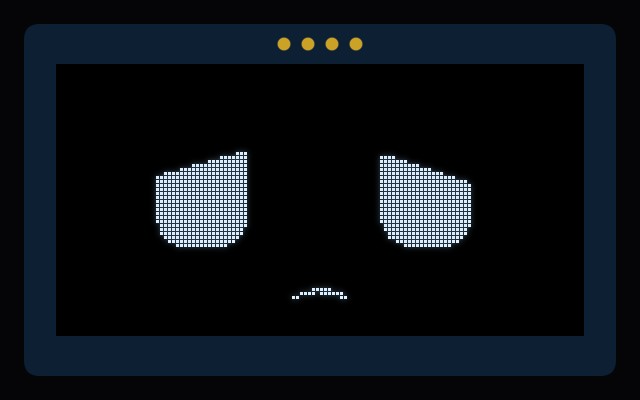
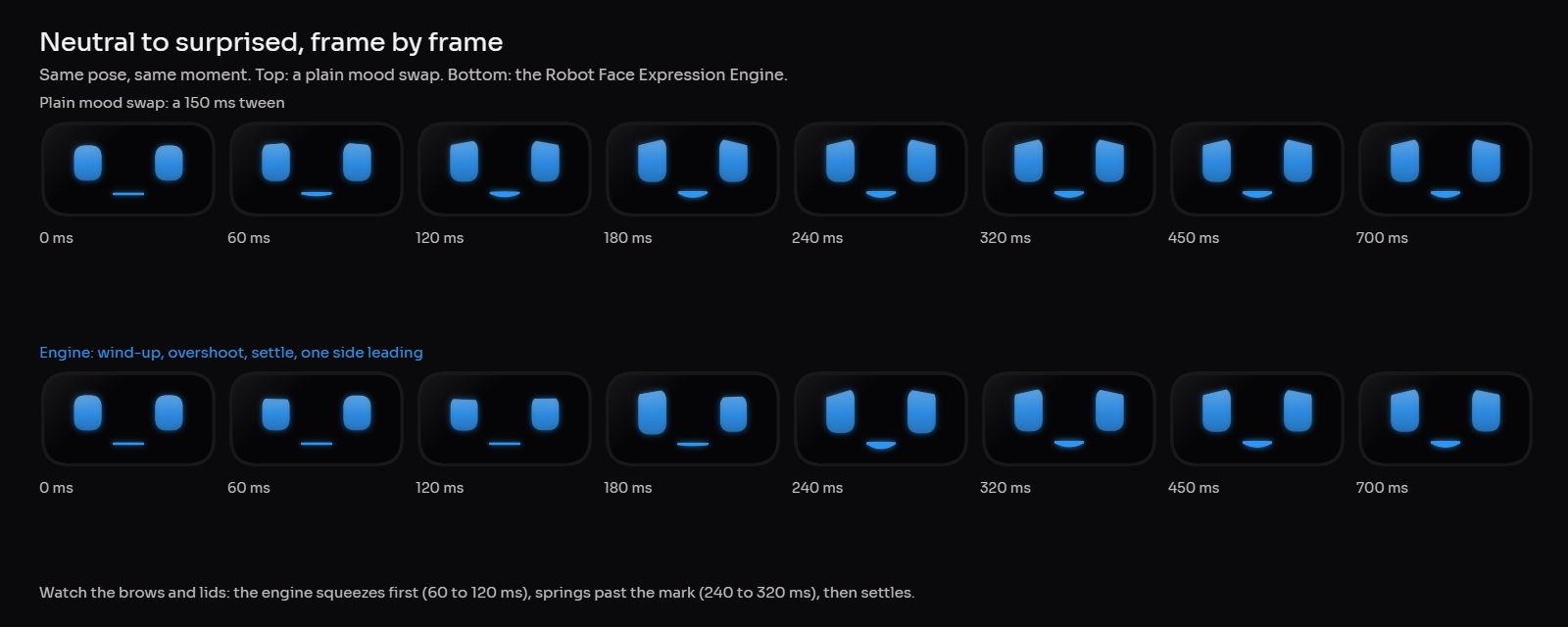
Same script, same poses. Left: the engine. Right: the usual approach, a quick tween between moods and a blink timer, given exactly the same tags. Tick slow motion to see the wind-up and the settle. This demo runs the real engine with 16 of its 65 expressions. For round screens, OLEDs, LED rings and servo heads; a one-off download with JavaScript and Python, an editor, an ESP32 receiver and a skill file for your coding agent.
Before a big reaction the face moves the other way for 60 to 140 ms. Surprise starts with a squeeze; anger winds up before it lands.
Every region rides a spring tuned per expression. Delight pops past its mark and settles; sadness arrives slowly and never bounces.
Eyes move first, then lids, brows, mouth, and the head last, so a change reads as one thought travelling through the face.
One side leads by 35 to 65 ms and settles a little further. Perfect symmetry is what makes machines look dead.
Blinks land on changes of thought, big eye turns and state changes. It blinks less while listening, more while thinking, never mid-startle.
Eyes go up and aside while it works something out, dart away just before it speaks, hold on you with small saccades while you talk.
The mouth follows the voice, stressed syllables get a small beat, and when you pause after talking for a while it nods.
Breathing, drift and an occasional look around, so a robot waiting for its next prompt still looks alive.
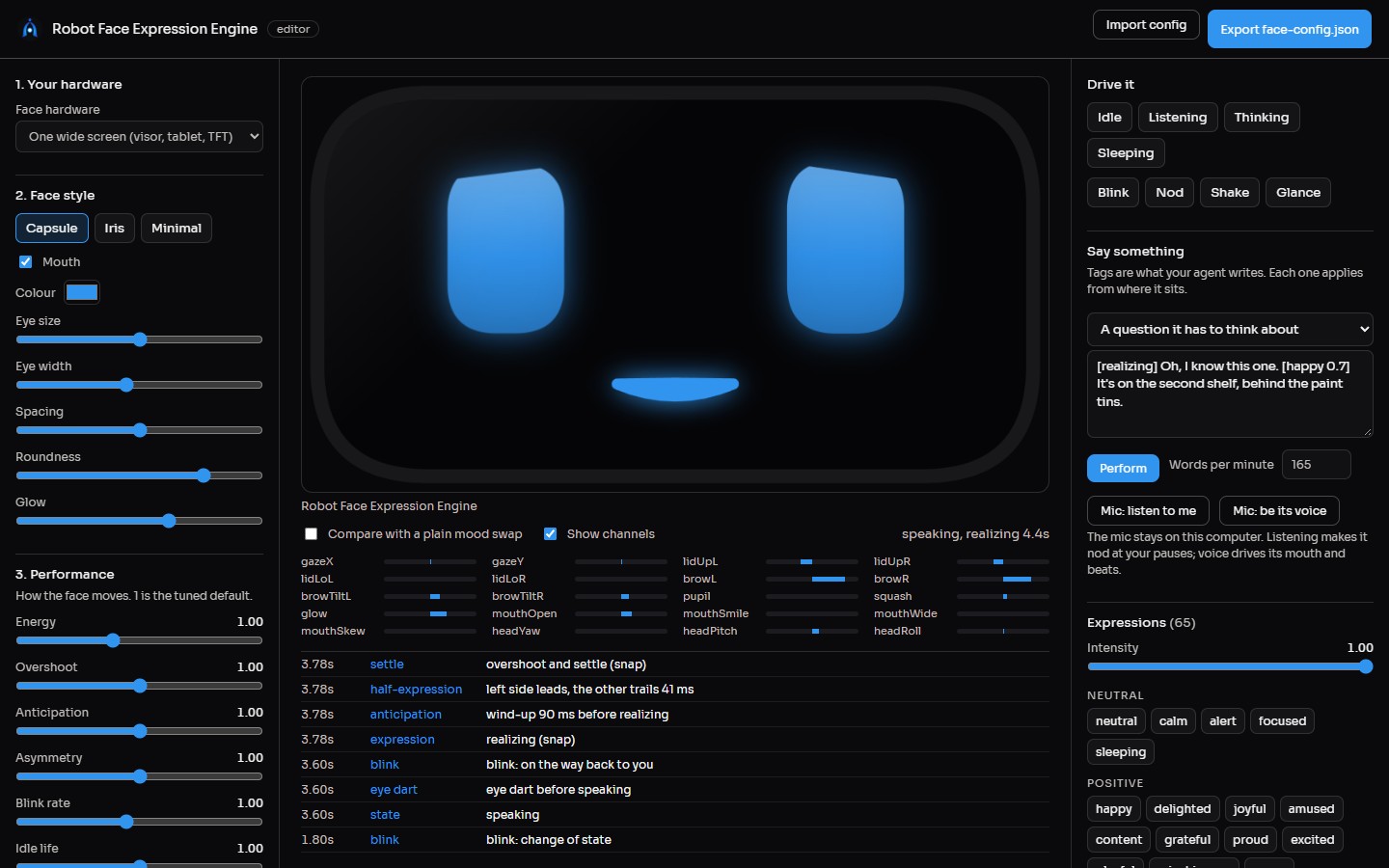
Your conversational model puts a tag before the words it belongs to. The engine handles everything between the tags: timing, transitions, blinks, gaze and the mouth.
65 expressions written in FACS, the action-unit system used for film facial rigs, from content and amused to skeptical, realizing and sheepish. Synonyms such as thrilled or sceptical resolve on their own.
States you set from code: listening while the person talks, thinking while the reply is generated, speaking when it arrives. say() tells you when to start the audio so the eye dart lands before the first word.
A prompt block for your agent teaches it the vocabulary and the restraint: one tag per sentence at most, quiet tags for everyday talk.
face.setState("thinking"); // while the LLM works
const reply = "[realizing] Oh, I know this one. " +
"[happy 0.7] It's on the second shelf.";
const { start } = face.say(reply);
tts.speak(FaceEngine.stripTags(reply), start - face.t);
// every frame
face.setAudioLevel(tts.loudness(), "speech");
FaceRenderer.draw(ctx, face.update(dt), config);
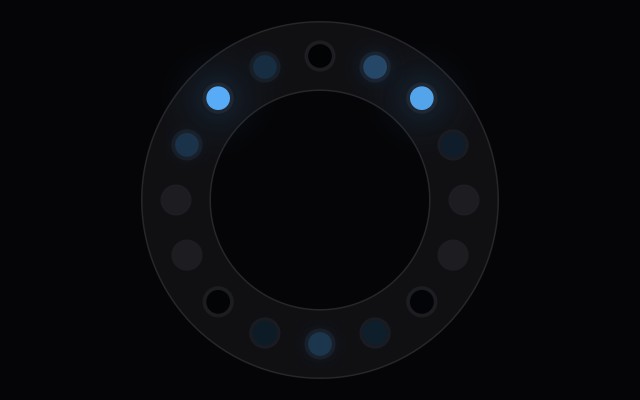
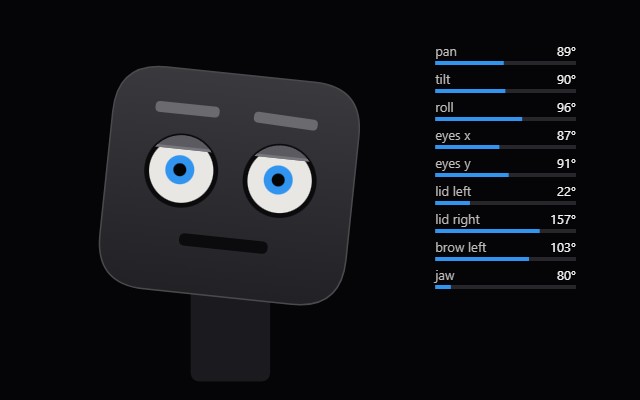
// or: servoAngles(pose, servos), ledRing(pose, 16),
// packFrame(pose) for an ESP32 over serial


Open the editor, pick your hardware and a style, tune the performance, test it with scripts or your microphone, export face-config.json.
SKILL.md tells Claude Code, Codex or Cursor how to wire the engine into a browser face, Node, Python, an ESP32, servos or an LED ring, and the traps to avoid.
Paste INTENT_TAGS.md into its system prompt. From then on its replies carry the tags, and the face performs them.

Use it in your own robots and products, any number of units. Chrome, Edge or Firefox for the editor; Node 18+ or Python 3.8+ to run it in your robot.
They do, and they are good at what they do: FluxGarage RoboEyes and esp32-eyes give you moods, blinks and gaze on small screens. This engine is the layer above: how a face moves between states, when it blinks and where it looks while a conversation happens, driven straight from your agent's words. If you only need a mood swap, use the free ones.
No. Everything runs on your device. Nothing is sent anywhere, including the microphone in the editor.
Any. The engine reads tags in the reply text, so Claude, GPT, Gemini or a local model all work. Paste the tag prompt into its system prompt.
Yes. Expressions are plain JSON in FACS units. Your own art can read the 20 channels (gaze, lids, brows, mouth, head, glow) the same way the built-in styles do.
Write to [email protected] with your hardware and what you saw.